
Filter by Category in Hrvatska
Latest Cameras in Hrvatska
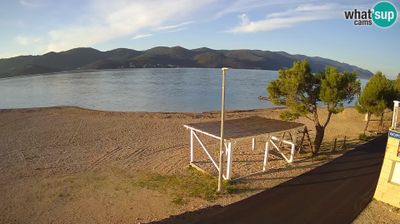
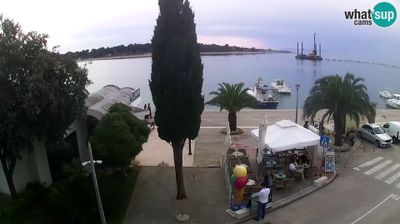
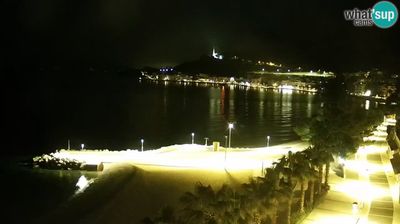
 Vrsar
Vrsar
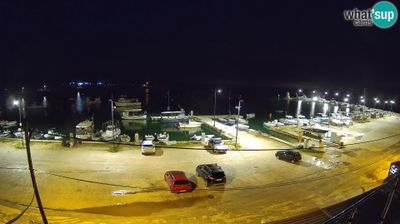
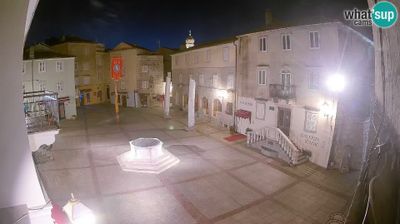
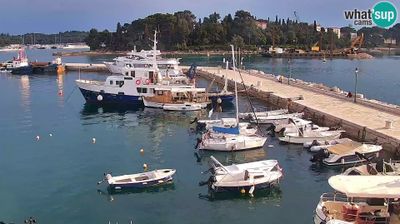
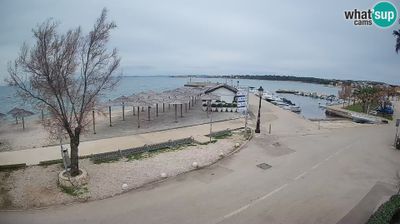

Explore Regions in Hrvatska
Why Visit Hrvatska Virtually?
Planning a trip to Hrvatska? Or maybe you just miss home? Our curated list of live streams provides high-quality views of the local regions and cities. Check the live weather, see what locals are up to, and enjoy the beautiful views 24/7.

About Hrvatska
Hrvatska europska je država smještena na razmeđu srednje, južne i jugoistočne Europe. Na sjeverozapadu graniči sa Slovenijom, Mađarskom na sjeveroistoku, Srbijom na istoku, Bosnom i Hercegovinom i Crnom Gorom na istoku i jugoistoku, a na zapadu s Italijom ima morsku granicu. Kopnena površina iznosi 56 561 km2, a površina obalnoga mora 31 067 km2, što Hrvatsku svrstava među srednje velike europske zemlje. Glavni je grad Zagreb koji je političko, kulturno, znanstveno i gospodarsko središte zemlje. Ostala veća urbana središta su Split, Rijeka i Osijek. Tijekom hrvatske povijesti najznačajniji kulturološki utjecaji dolazili su iz srednjoeuropskoga kruga u kontinentalnome dijelu, balkanskoga u dinaridskome dijelu i sredozemnoga kulturnog kruga u priobalnome dijelu.
📖 Read more on Wikipedia